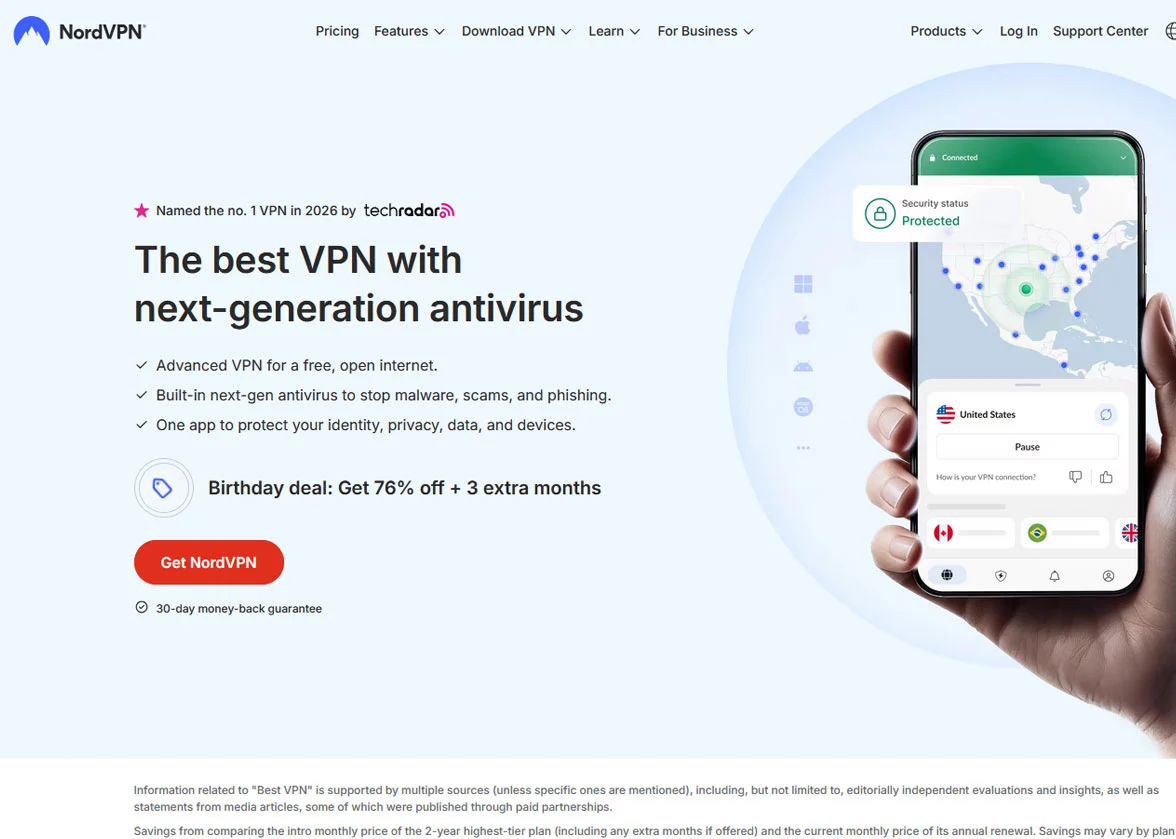
NordVPN is a well-established VPN service that has been around since 2012. Based in Panama, it operates under privacy-friendly laws and has grown into one of the most widely used VPN providers in the world.
The service is part of the NordSecurity brand, which also runs products like NordPass, NordLocker, and Saily.
In this review, we take a close look at every aspect of NordVPN.
We cover its speed, security, streaming ability, gaming performance, privacy practices, pricing, and more. The goal is to give you a clear picture of what you get when you sign up so you can decide if it is the right VPN for you!
Quick Facts
| Category | Information |
|---|---|
| Based In | Panama |
| Servers | 9,000+ in 130+ countries |
| Simultaneous Connections | Up to 10 devices |
| Starting Price | $3.39/month (2-year plan) |
| Free Trial | 3-day trial (Android only) |
| Money-Back Guarantee | 30 days |
| Logging Policy | Independently audited no-logs policy |
| Protocols | NordLynx (WireGuard-based), OpenVPN, IKEv2/IPsec |
| Encryption | AES-256-bit |
| Supported Platforms | Windows, macOS, Linux, iOS, Android, Android TV, Apple TV, Fire TV, routers, browser extensions |
| Best For | Streaming, torrenting, privacy, gaming, bypassing geo-restrictions |
| Customer Support | 24/7 live chat, email, help center |
Quick Verdict: NordVPN is a fast, secure, and reliable VPN that performs well across streaming, gaming, torrenting, and everyday browsing, all backed by a verified no-logs policy and a large global server network.

NordVPN Overview
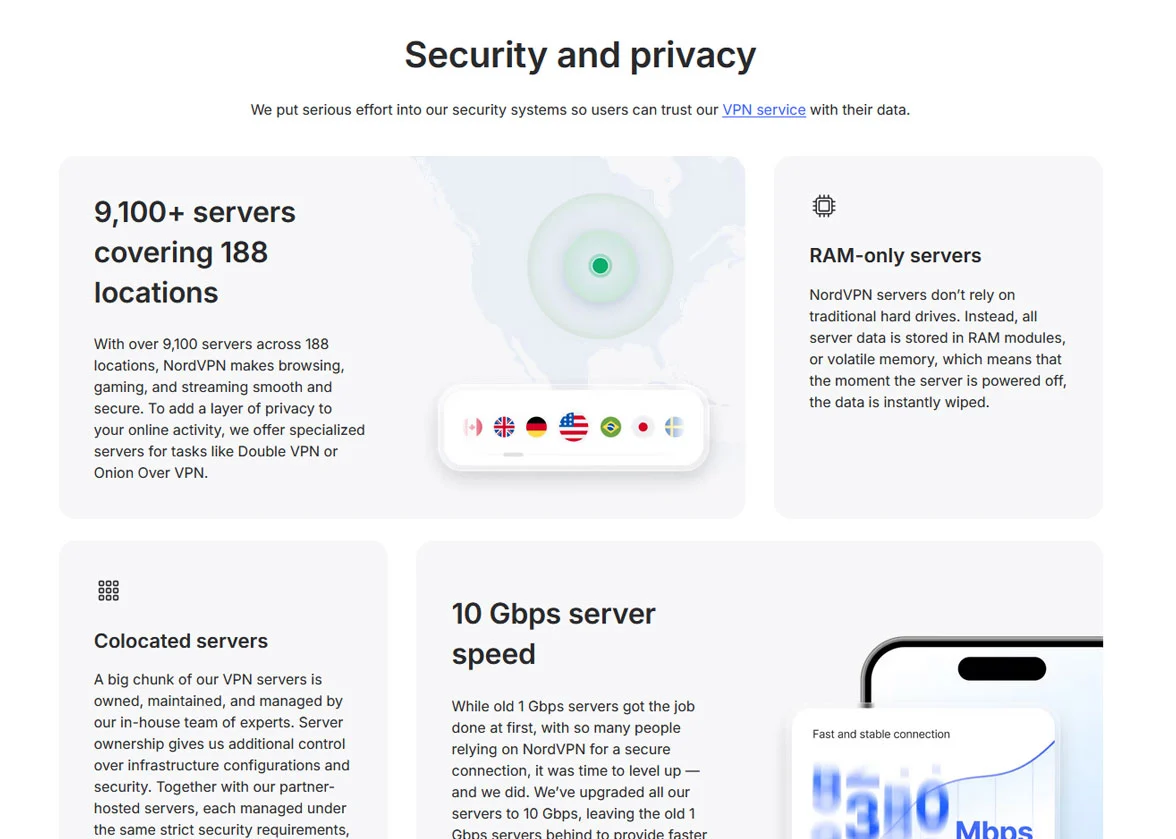
NordVPN was founded by Tomas Okman and Eimantas Sabaliauskas. The company chose Panama as its home base because the country has no mandatory data retention laws. This is a real benefit for anyone who cares about keeping their online activity private.
The service has grown steadily over the years and now operates more than 9,000 servers spread across 130 countries. That is one of the largest server networks in the VPN industry. Whether you need a server in the United States, Japan, Germany, or a smaller market like Nigeria, NordVPN has options.
NordVPN is part of the larger NordSecurity family. This company also makes NordPass for password management, NordLocker for encrypted cloud storage, NordProtect for identity theft protection, and Saily for international eSIM data. Having all of these products under one umbrella means they work well together if you choose a higher-tier plan.
The VPN supports up to 10 simultaneous device connections on a single account. This covers most households easily. You can protect your phone, laptop, tablet, smart TV, and still have room for other family members to connect their devices at the same time.
NordVPN also offers specialty servers tailored for specific tasks. These include P2P servers for torrenting, Double VPN servers that route traffic through two locations, Obfuscated servers that disguise VPN traffic to look like regular browsing, and Onion Over VPN servers that combine the VPN with the Tor network. This range of server types gives users flexibility depending on what they need.
NordVPN Key Features
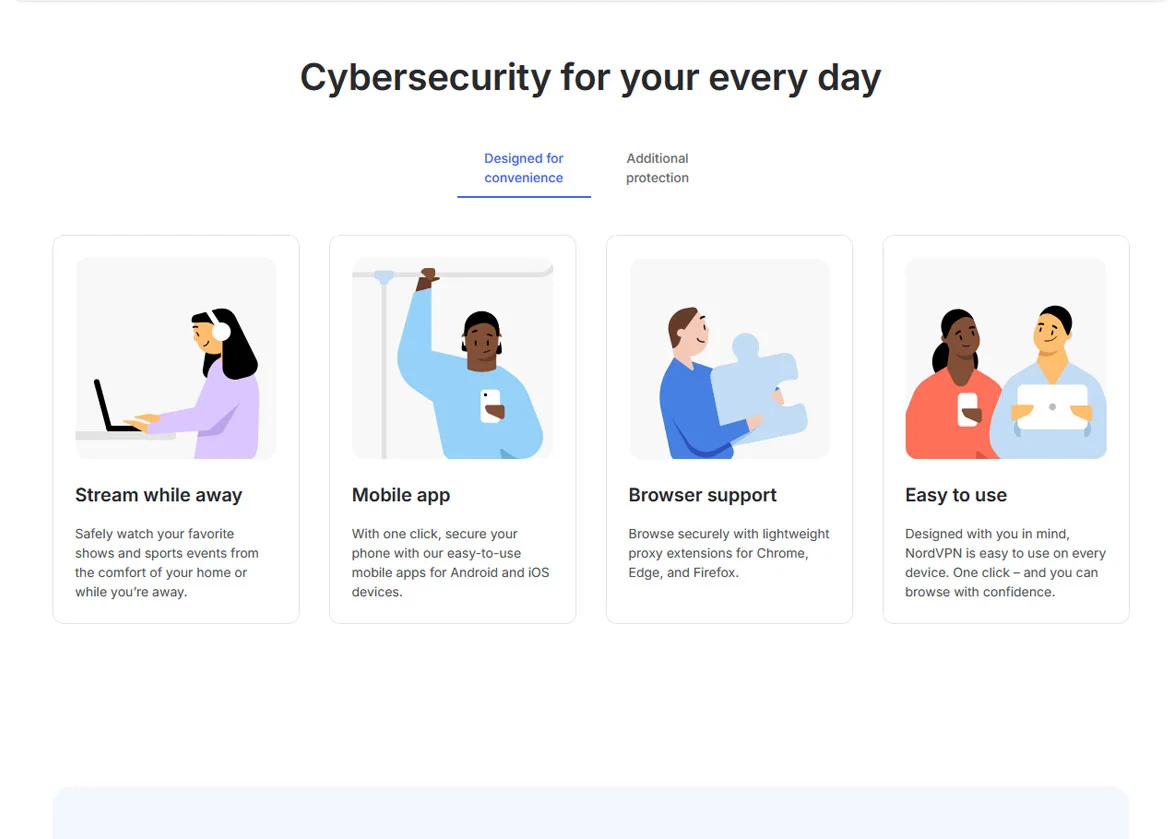
NordVPN comes packed with features that go well beyond basic VPN protection. At its core, you get AES-256-bit encryption, which is the same standard used by governments and military organizations around the world. This encryption scrambles your data so that no one can read it while it travels between your device and the VPN server.
The proprietary NordLynx protocol is built on WireGuard technology. It is designed to deliver fast speeds without sacrificing security. In practice, NordLynx consistently outperforms older protocols like OpenVPN when it comes to connection speed, while still maintaining strong encryption.
Threat Protection Pro is one of the standout extras. This feature scans files you download for malware, blocks access to harmful websites, and removes ads and trackers while you browse. It works in the background and does not require any extra setup once enabled.
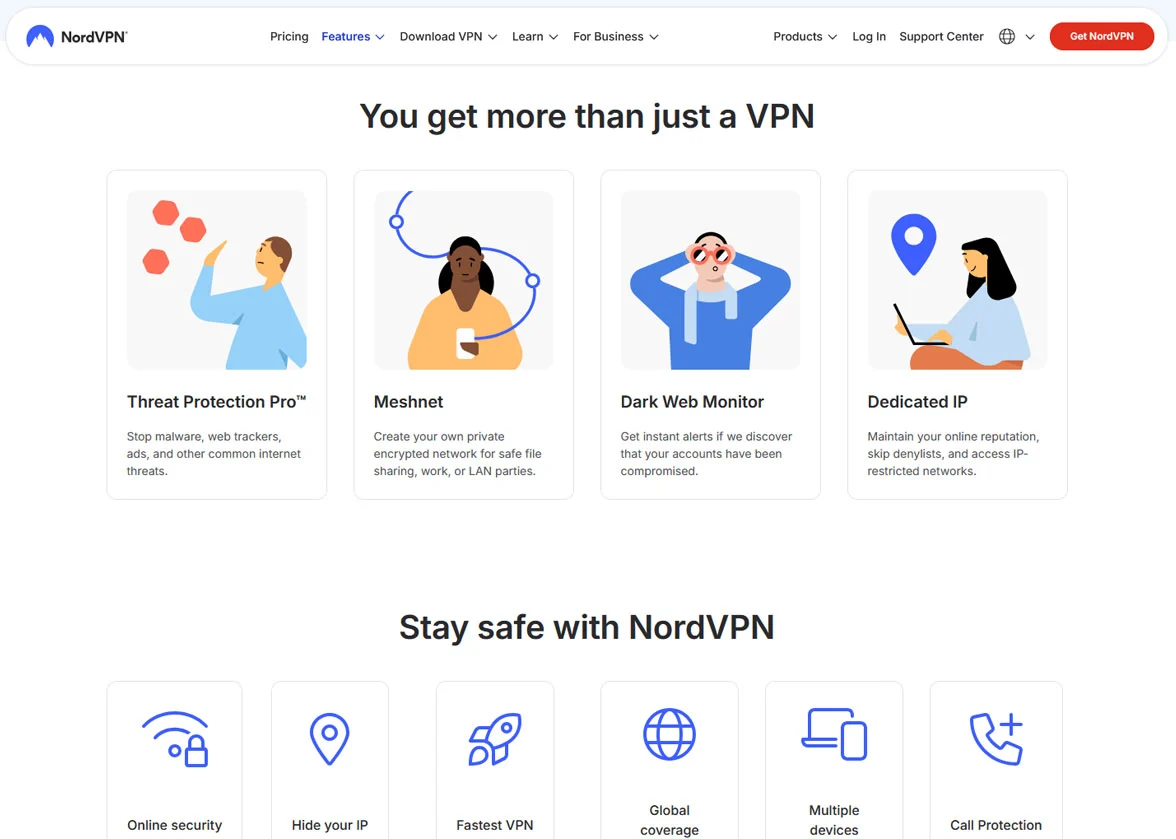
The Meshnet feature lets you create secure private networks between your own devices. You can connect up to 50 external devices, which is useful for remote file sharing, accessing your home computer while traveling, or setting up secure connections with friends and colleagues.
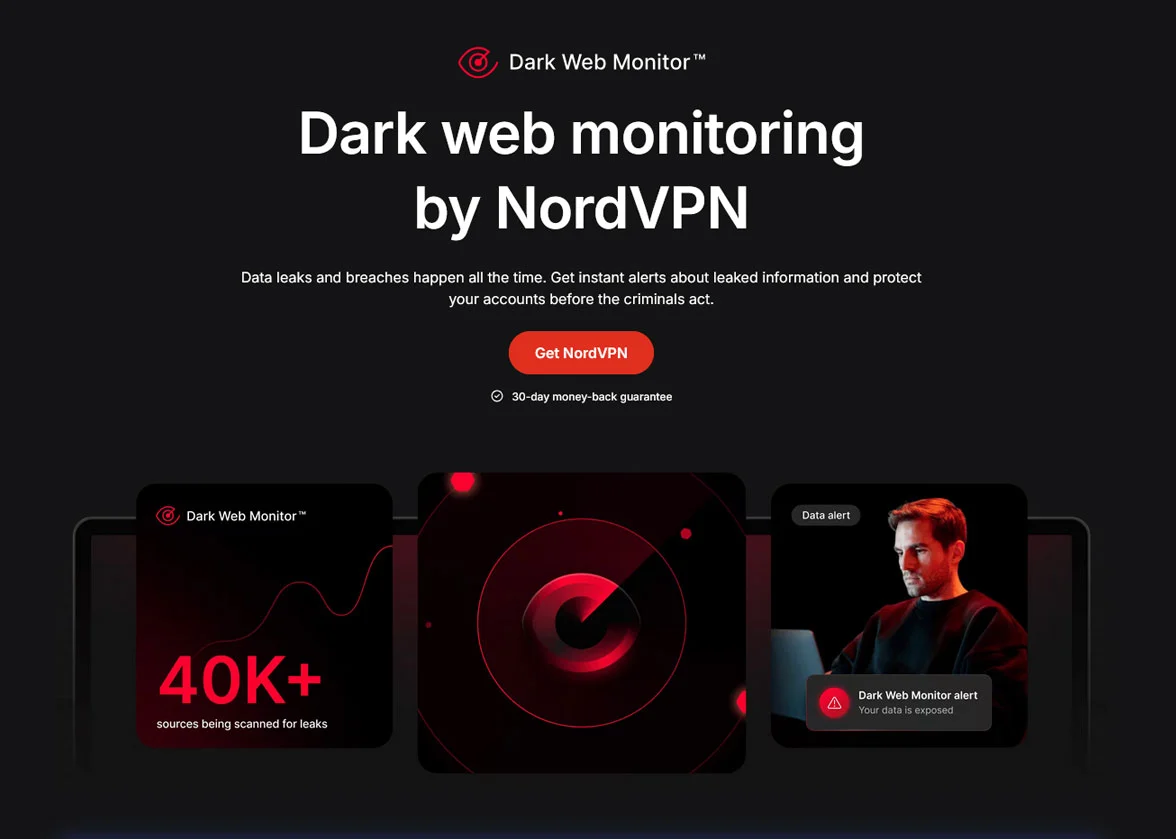
Dark Web Monitor is another useful tool. It continuously checks the dark web for your email address and alerts you if it shows up in any leaked databases. This gives you a head start on changing passwords or taking other steps to protect your accounts if your information is ever compromised.
Split tunneling is available on Windows and Android. It lets you choose which apps go through the VPN and which ones use your regular internet connection. This is handy if you want to keep your banking app on your local connection while routing your browser through the VPN.
The kill switch is a critical safety feature. If your VPN connection drops unexpectedly, the kill switch instantly cuts your internet access to prevent your real IP address from being exposed. NordVPN offers two versions of this feature. The Internet Kill Switch stops all internet traffic, while the App Kill Switch lets you choose specific programs to protect.
NordVPN Streaming
Streaming is one of the main reasons people use a VPN, and NordVPN handles it extremely well. During testing, it successfully unblocked every major streaming platform thrown at it. This includes Netflix, Disney+, Max, Hulu, BBC iPlayer, Amazon Prime Video, Peacock, Sling TV, ESPN+, ITVX, Apple TV+, YouTube TV, DAZN, and more.
Netflix is often the hardest service to unblock because it actively tries to detect and block VPN connections. NordVPN had no trouble getting past these restrictions. Multiple Netflix libraries were accessible, including the US, UK, Japan, Canada, and several others. Content loaded on the first server attempt in most cases, which saved time and frustration.
For sports fans, NordVPN works with ESPN+, Sling TV, and other sports streaming platforms. Live events streamed smoothly without buffering or lag. This makes it a solid choice for watching NBA, NFL, MLB, and international sports from anywhere.
The reason streaming works so well on NordVPN comes down to speed. Because the service retains a high percentage of your original connection speed, videos load quickly and play in HD or even 4K without interruption. There is no need to sit through buffering screens or deal with reduced video quality.
The combination of fast speeds, a large server network, and strong unblocking capabilities makes NordVPN one of the best VPNs available for streaming content from around the world.
NordVPN Gaming
Online gaming requires low latency and stable connections. NordVPN delivers on both fronts, especially when you connect to servers near your physical location. In testing, a base ping of around 10ms only increased to approximately 13ms on local servers. That kind of minimal increase is practically unnoticeable during gameplay.
Games like Valorant, CS2, and Call of Duty Warzone ran smoothly on nearby servers with no lag spikes or input delay. For competitive gamers, this level of performance is important because even small delays can make the difference between winning and losing a match.
Distance does affect gaming performance, as it does with any VPN. Connecting to European servers from the US raised ping to around 89ms, which is still playable for most games but may cause occasional lag in fast-paced situations. Servers in Asia pushed ping past 200ms, which is too high for competitive play but may still work for slower-paced games.
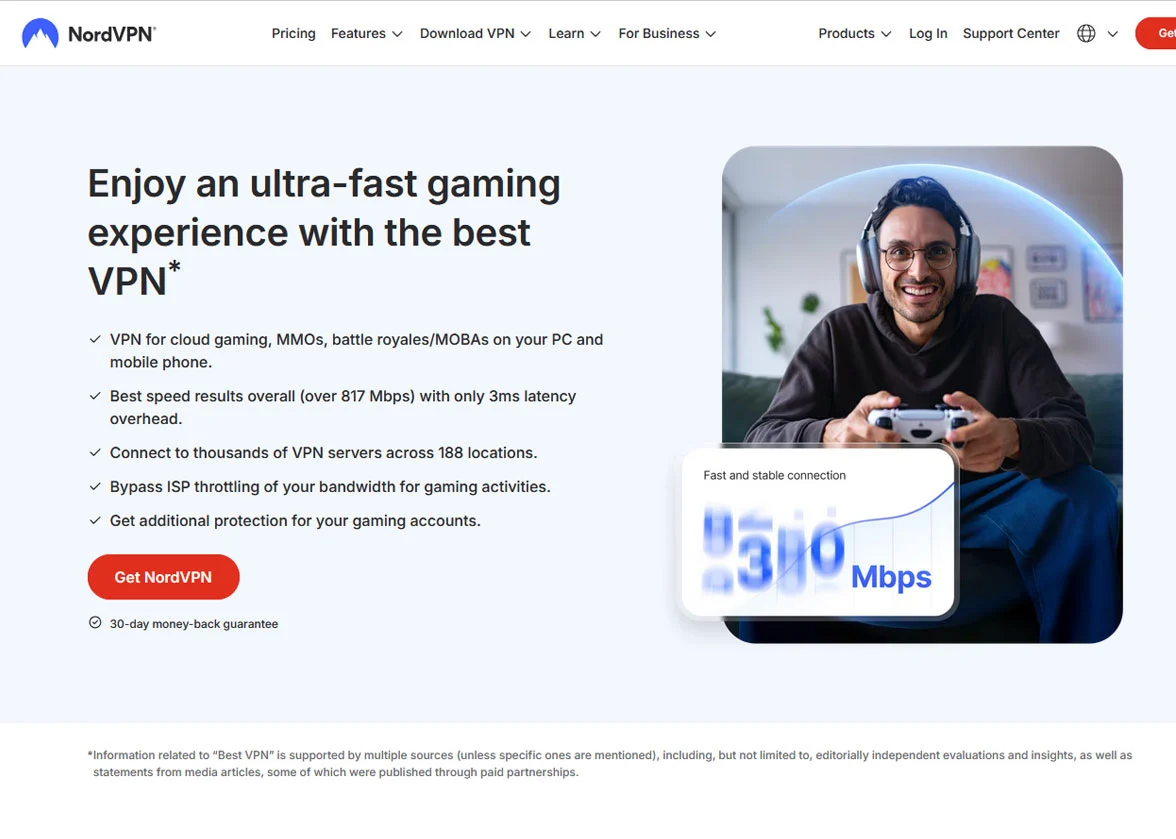
NordVPN also provides DDoS protection, which is a real benefit for gamers. DDoS attacks are sometimes used to disrupt opponents during competitive matches. With NordVPN active, your real IP address is hidden, making it much harder for anyone to target you.
The unlimited bandwidth means you will not hit any data caps during long gaming sessions. Combined with servers that support speeds up to 10Gbps, NordVPN will not bottleneck even the fastest internet connections.
For the best gaming experience, the advice is simple. Connect to the nearest available server and use the NordLynx protocol. This combination gives you the lowest possible ping and the fastest speeds.
NordVPN Security
Security is where NordVPN truly stands out. The service uses AES-256-bit encryption paired with the SHA-512 hash function. Most VPNs use SHA-256, so this is a step up in cryptographic strength. Perfect forward secrecy is also included, which means encryption keys are changed regularly. Even if one key were somehow compromised, it could not be used to decrypt past or future sessions.
NordVPN offers three protocol options. NordLynx is the fastest and uses a double NAT system to add privacy on top of WireGuard’s speed. OpenVPN is the most established and widely trusted protocol for maximum security. IKEv2 is available for mobile users who need quick reconnections when switching between Wi-Fi and cellular networks.
The kill switch worked perfectly in every test. When the VPN connection was manually terminated to simulate a drop, internet access was immediately cut off. No data leaked during these forced disconnection tests. This is exactly how a kill switch should perform.
Leak protection is comprehensive. Tests on independent leak-checking websites showed zero DNS, WebRTC, or IP leaks across multiple servers in different countries. NordVPN runs its own DNS servers, which means your browsing requests are not handled by third parties who might log them.
NordVPN owns and maintains almost all of its servers rather than renting them from third-party data centers. This gives the company full control over the hardware and reduces the risk of unauthorized access. Every server uses RAM-only technology, which means all data is automatically wiped whenever a server restarts. There is no hard drive where information could be stored long-term.
The Obfuscated servers deserve special mention. These servers disguise VPN traffic to look like regular HTTP traffic. This is useful in countries or networks that try to detect and block VPN usage. It also helps on networks where VPN traffic might be throttled.
NordVPN Privacy
NordVPN has a strict no-logs policy. The company does not collect, store, or monitor your browsing activity, IP address, or connection timestamps. The only information collected is your email address and basic account data needed to maintain your subscription.
This no-logs policy has been independently audited five times, with the most recent audit completed in 2025. Each audit confirmed that NordVPN does not track user activity or store personal data on its servers. These audits were conducted by reputable firms including Deloitte and Cure53.
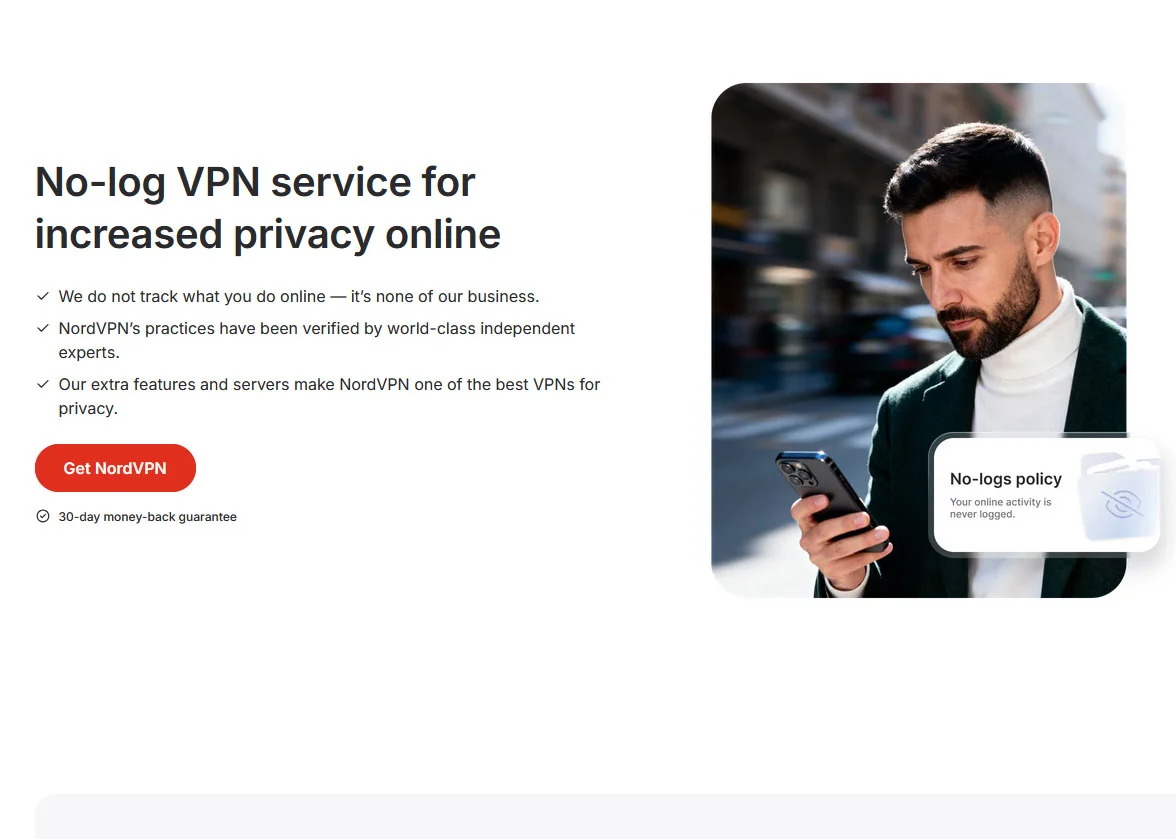
Panama’s legal environment is a genuine privacy advantage. The country sits outside the jurisdiction of the 5 Eyes, 9 Eyes, and 14 Eyes surveillance alliances. NordVPN is not legally required to hand over user data to foreign intelligence agencies. The company’s privacy policy states it will only respond to court orders issued under Panamanian law.
NordVPN publishes quarterly transparency reports that detail exactly how many government inquiries, DMCA requests, and law enforcement requests it receives. These reports show that even when requests come in, the company has very little to share because it simply does not keep logs of user activity.
For users who want even more privacy, NordVPN accepts cryptocurrency payments including Bitcoin, Ethereum, and Monero. Combined with a throwaway email address, this means you can sign up with very little personal information tied to your account.
The RAM-only server infrastructure adds another layer of protection. Because nothing is written to permanent storage, there is no data to seize even if a server were physically accessed by an unauthorized party. This approach was adopted after a 2018 security incident involving a rented server in Finland, and it represents a strong commitment to improving security practices.
NordVPN Installation & Setup
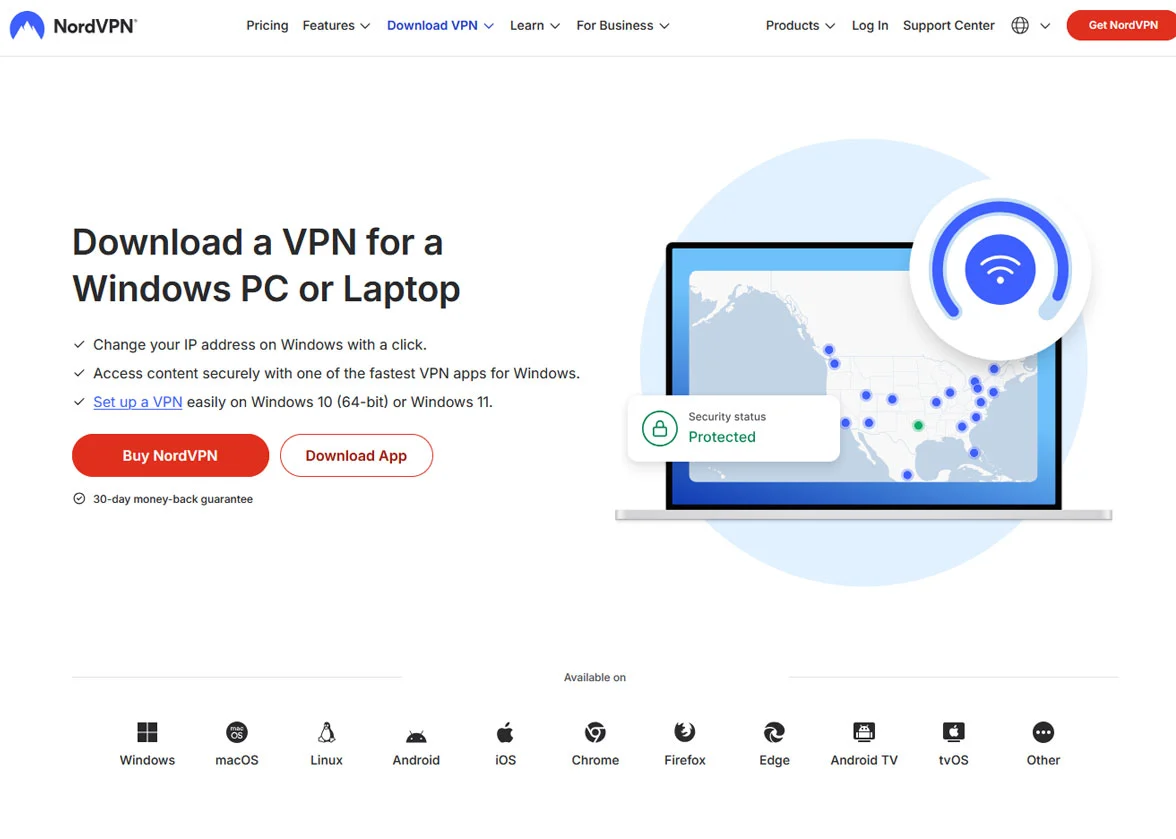
Getting started with NordVPN is straightforward on every platform. On Windows and Mac, you download the installer from the official website, run it, and log in. The entire process takes about two minutes. The app opens automatically after you sign in through your web browser.
On mobile devices, you simply download the NordVPN app from the Apple App Store or Google Play Store. The mobile apps look and function similarly to the desktop versions, which makes the experience consistent if you switch between devices throughout the day.
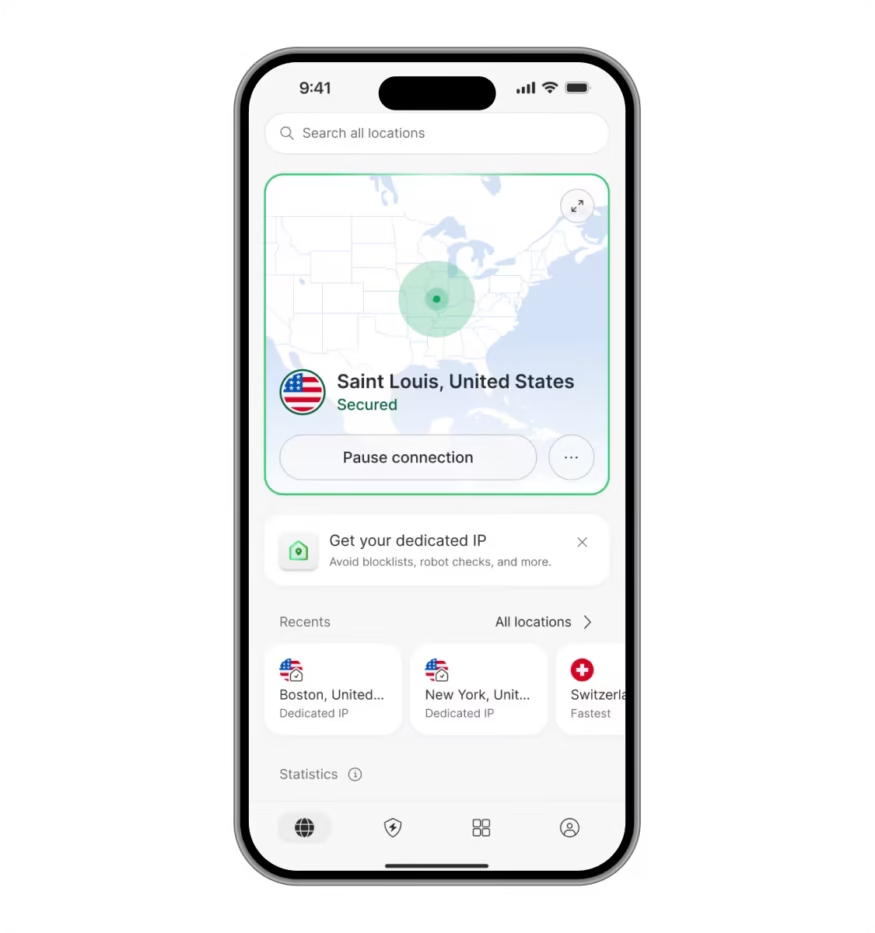
The app interface is clean and well organized. The main screen features an interactive world map where you can click on any country to connect to a server there. There is also a search bar for finding specific servers and a Quick Connect button that automatically pairs you with the fastest available server near your location.
Specialty servers like P2P, Double VPN, and Obfuscated are easy to find. They are listed in a dedicated section of the app, and each type has its own Quick Connect option. You do not need to scroll through long server lists to find the right one for your needs.
For smart TVs, NordVPN has dedicated apps for Android TV, Apple TV, and Amazon Fire TV. You can download these directly from the relevant app store on your TV. The Apple TV app includes full encryption and supports the NordLynx protocol, which is a step up from the basic Smart DNS solutions offered by many competitors.
Setting up NordVPN on a router takes a bit more effort. The process involves logging into your router’s admin panel and entering configuration details manually. NordVPN provides step-by-step guides for popular router brands including Asus, TP-Link, DD-WRT, and Mikrotik. The setup typically takes around 10 to 15 minutes. Once configured, every device on your home network is protected, and it only counts as one device connection.
Gaming consoles like PlayStation and Xbox do not support VPN apps directly. You can use NordVPN’s Smart DNS feature on these devices for streaming purposes, or set up the VPN on your router for full encryption. The Smart DNS option does not encrypt traffic but does let you access geo-restricted content.
Linux users have a command-line interface that works on Ubuntu, Debian, Fedora, and other popular distributions. NordVPN provides detailed setup documentation for these platforms.
Browser extensions are available for Chrome, Firefox, and Edge. These are lightweight and easy to install, though they only protect traffic within the browser rather than your entire device.
NordVPN Pricing
NordVPN offers four plan tiers: Basic, Plus, Complete, and Prime. The Prime plan is currently available in the US only. All plans come in monthly, annual, and two-year subscription options. The longer you commit, the lower the monthly price.
The Basic plan starts at $3.39 per month on the two-year subscription. It includes the core VPN service with full encryption, the kill switch, and access to all server types. It does not include Threat Protection Pro, which blocks malware, ads, and trackers.
The Plus plan starts at $3.89 per month on the two-year deal. It adds Threat Protection Pro and NordPass password manager with data breach scanning. For most users, this plan offers the best balance between features and cost.
The Complete plan starts at $5.39 per month for two years. It includes everything in the Plus plan and adds 1TB of encrypted cloud storage through NordLocker. This is a good option if you want a full security and storage bundle.
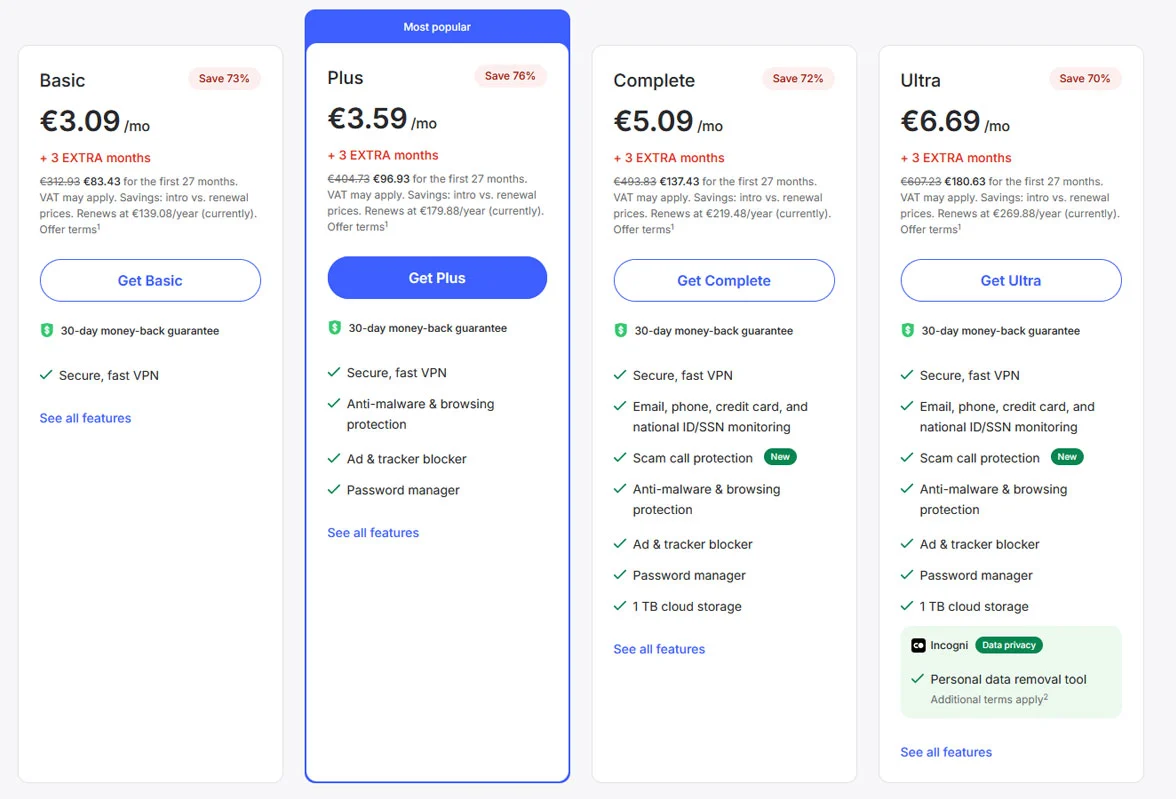
The Prime plan starts at $7.39 per month on the two-year subscription. It adds NordProtect, a comprehensive identity theft protection service that includes credit monitoring, dark web monitoring, identity recovery assistance, and up to one million dollars in identity theft insurance.
Monthly subscriptions are more expensive, with the Basic plan costing $12.99 per month. This is typical for premium VPN providers. The real value comes from committing to a longer plan.
Payment options are flexible. NordVPN accepts credit cards, PayPal, Google Pay, Amazon Pay, and regional methods like Sofort and UnionPay. Privacy-focused users can pay with Bitcoin, Ethereum, or Monero. Prepaid cards, iTunes, and gift cards are also accepted.
Every plan longer than one month is backed by a 30-day money-back guarantee. If you are not satisfied, you can request a full refund through live chat. Refunds are typically processed within five business days. There is also a 3-day free trial available for Android users through the Google Play Store.
NordVPN Final Verdict
NordVPN is a well-rounded VPN that delivers strong performance in every category that matters. It is fast enough for 4K streaming and competitive gaming. Its security features are thorough and have been verified by independent audits. The server network is one of the largest in the industry, covering 130 countries with more than 9,000 servers.
Privacy is taken seriously. The no-logs policy has been audited five times, and the company operates from a jurisdiction that does not require data retention. RAM-only servers, cryptocurrency payments, and quarterly transparency reports all add to the trust factor.
The apps are well designed and easy to use across every platform. Whether you are on a phone, laptop, smart TV, or router, the experience is consistent and intuitive. The range of specialty servers gives you options for specific tasks like torrenting, bypassing VPN detection, or adding extra layers of anonymity.
Pricing is competitive for what you get, especially on the longer-term plans. The 30-day money-back guarantee means you can try the service without risk. For anyone looking for a VPN that covers all the bases — speed, security, privacy, streaming, and device support — NordVPN is an excellent choice in 2026.
NordVPN FAQs
Is NordVPN worth the price?
Yes. On the two-year plan, NordVPN costs as little as $3.39 per month, which is competitive for a premium VPN. You get fast speeds, access to 9,000+ servers in 130 countries, strong encryption, a verified no-logs policy, and the ability to unblock streaming services from around the world. The 30-day money-back guarantee means you can test it before fully committing.
Does NordVPN work with Netflix and other streaming services?
Yes. NordVPN successfully unblocks Netflix, Disney+, Max, Hulu, BBC iPlayer, Amazon Prime Video, ESPN+, DAZN, Peacock, Sling TV, and many more. It works with multiple Netflix libraries including the US, UK, Japan, and Canada. Streams load quickly and play in HD or 4K without buffering thanks to fast server speeds.
How many devices can I use with NordVPN?
You can connect up to 10 devices simultaneously on a single NordVPN account. This covers phones, laptops, tablets, smart TVs, and more. If you install NordVPN on your router, it counts as one connection but protects every device on your home network, effectively giving you unlimited device coverage.
Is NordVPN safe to use?
Yes. NordVPN uses AES-256-bit encryption, runs its own DNS servers, and has a kill switch that prevents data leaks if the connection drops. The no-logs policy has been independently audited five times. All servers use RAM-only technology, meaning no data is stored permanently. The company is based in Panama, which has no mandatory data retention laws.
Can I use NordVPN for torrenting?
Yes. NordVPN fully supports P2P file sharing through its dedicated P2P-optimized servers. These servers are spread across 100+ countries and offer fast download speeds along with full encryption. If you start torrenting on a regular server, NordVPN will automatically switch you to a P2P server. The kill switch and leak protection keep your real IP address hidden while downloading.
NordVPN
Pros
- Fast speeds powered by the NordLynx protocol, with averages around 817Mbps in independent testing
- Successfully unblocks every major streaming platform including Netflix, Disney+, BBC iPlayer, and more
- Strong security with AES-256 encryption, a kill switch, and zero detected IP, DNS, or WebRTC leaks
- Large server network with 9,000+ servers across 130 countries, including specialty servers for P2P, Double VPN, and Obfuscated connections
- Independently audited no-logs policy backed by a privacy-friendly Panama jurisdiction
Cons
- The free trial is limited to 3 days and only available on Android devices
- Split tunneling is only available on Windows and Android
- Connecting to distant servers can occasionally take longer than expected
Get 3 Free Stock Ebooks
Discover top-performing stocks in AI, Crypto, and Technology with expert analysis.
- Top 10 AI Stocks - Leading AI companies
- Top 10 Crypto Stocks - Blockchain leaders
- Top 10 Tech Stocks - Tech giants